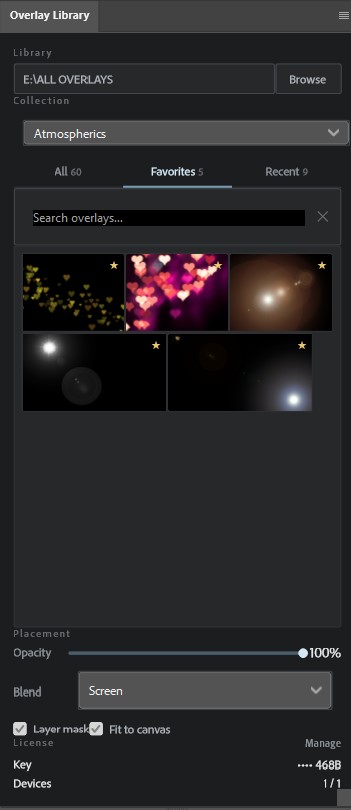
The fastest way to manage textures, effects, and overlays in Photoshop. No dragging, no guessing scaling. Works on Windows 10/11. Just click and place.
Get Overlay Library
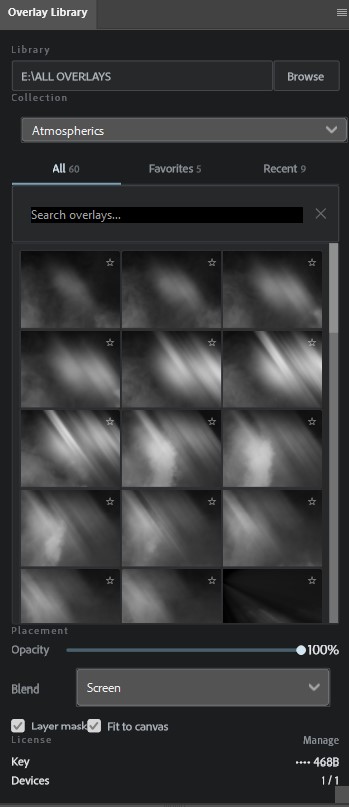
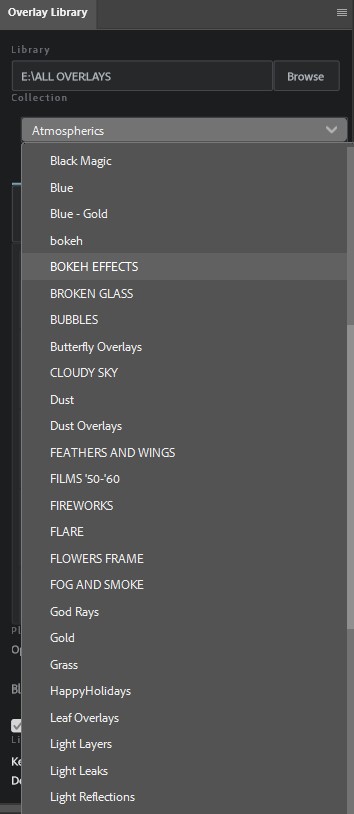
Select your main overlay folder. The plugin automatically detects subfolders as categories. No manual import required.
Overlays are placed as Smart Objects, automatically centered, and scaled to fit or cover the canvas.
Built for speed. Thumbnails are cached for instant browsing, even with libraries containing thousands of large files.
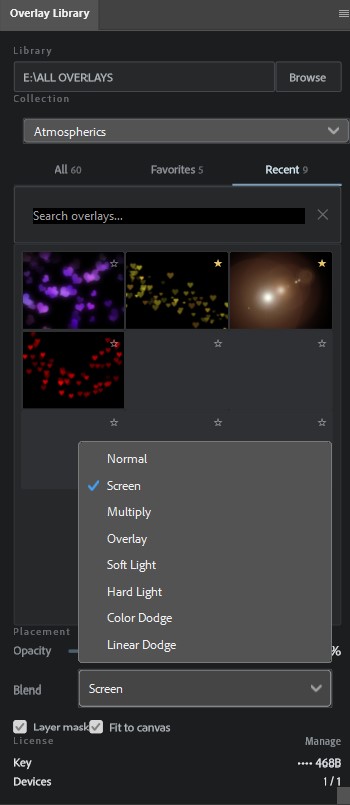
Set global opacity, default blend modes, and auto-masking options before placing the file.
Mark your most used textures as favorites for quick access without digging through folders.
Find any file by name or category instantly. Stop wasting time looking for that one specific bokeh texture.
Every folder on your drive becomes a collection. Switch between them from one list, without digging through Explorer.
Keep your go-to light leaks and grain textures one click away in the Favorites tab.
Quickly reuse overlays from previous sessions. The history persists even after restarting Photoshop.
Your license key is on its way to